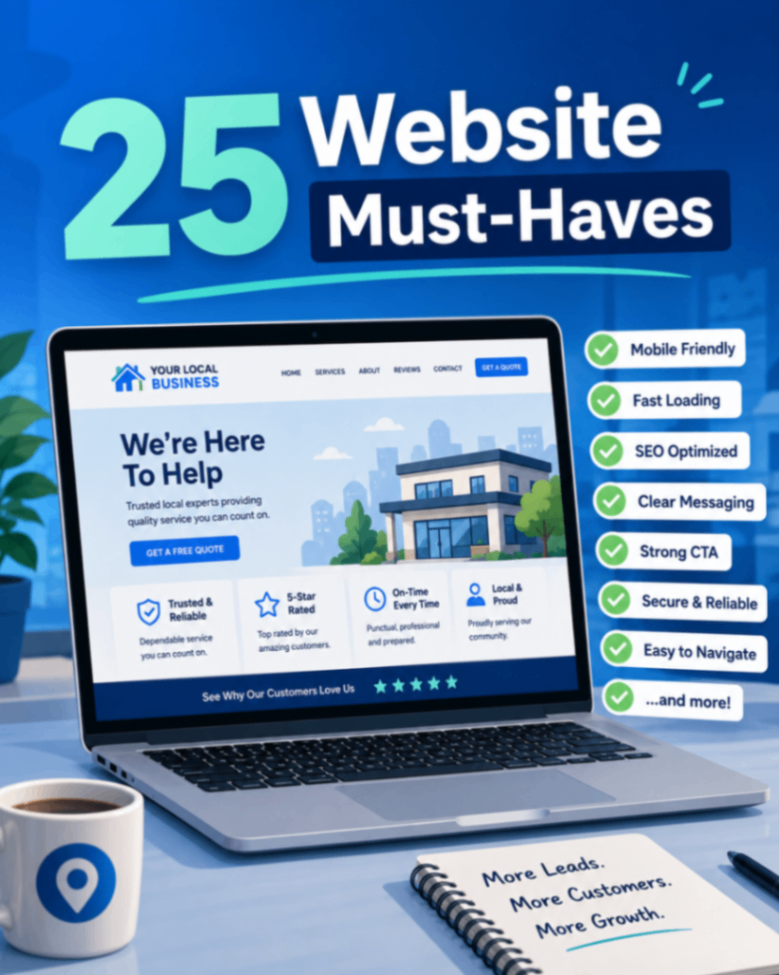
First impressions happen in seconds. When someone lands on your website, they decide almost instantly whether to trust you or hit the back button and call your competitor instead. That's why your site needs to do more than simply exist — it needs to work. This small business website checklist walks you through the 25 things every local business needs in 2026 to turn casual visitors into paying customers.
Whether you run a restaurant, a home service company, a medical practice, or a contracting business, the fundamentals are the same: be fast, be trustworthy, be findable, and make it easy to take the next step. Use the sections below as a skimmable audit — tackle any box you can't confidently check.
Performance: Speed and Mobile Come First
A slow or clunky site kills leads before your content ever gets a chance. Most visitors browse on their phones, so performance and mobile experience are non-negotiable.
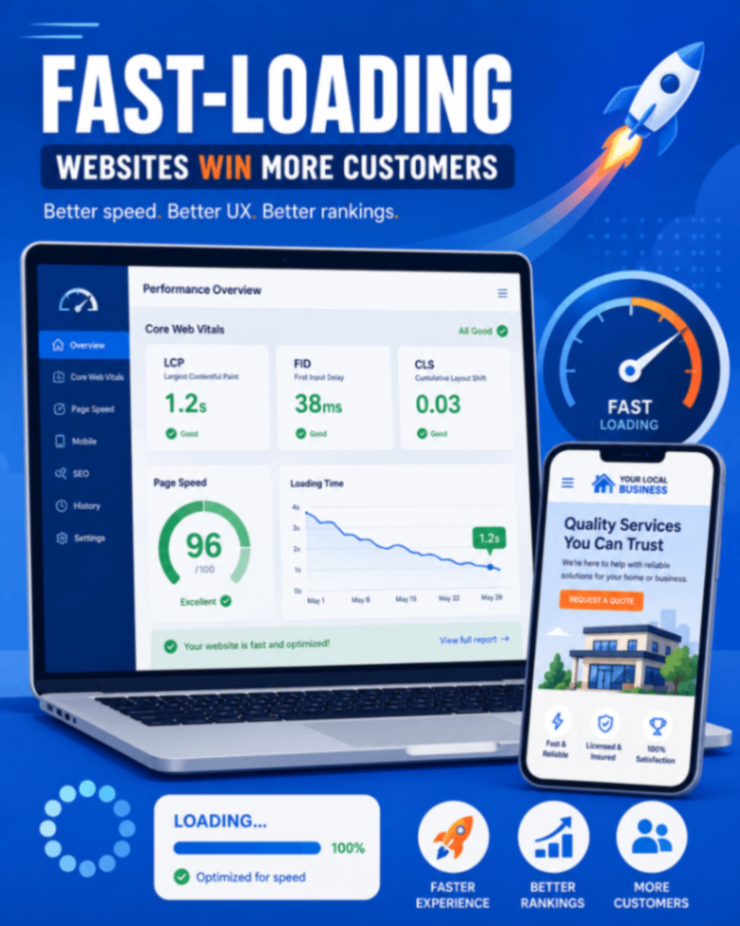
- 1. Fast loading (under 2 seconds). Every extra second of load time increases the odds a visitor leaves. Aim for pages that render in under two seconds.
- 2. Mobile-first design. Design for the small screen first, then scale up. Buttons should be tappable, text readable without zooming, and menus easy to use with a thumb.
- 3. HTTPS security. A valid SSL certificate (the padlock in the browser bar) is expected, not optional. Without it, browsers warn visitors your site isn't secure.
- 4. Compressed images. Oversized photos are the most common cause of slow pages. Compress and correctly size images before uploading.
- 5. Healthy Core Web Vitals. Google's Core Web Vitals measure loading, interactivity, and visual stability. Passing them helps both rankings and user experience.
Trust: Prove You're the Real Deal
Local customers are inviting you into their homes, bodies, or businesses. They need reassurance that you're legitimate and competent. Trust signals do that heavy lifting.
- 6. Customer reviews. Display real reviews prominently. Social proof is one of the strongest factors in a hiring decision.
- 7. Team photos. Real faces beat stock photos every time. Show the people who will actually show up.
- 8. A real business address. A physical location signals legitimacy and supports local search.
- 9. A visible phone number. Put it in the header where people can find it instantly.
- 10. Years in business. "Serving the area since 2009" quickly communicates experience and stability.
- 11. Certifications and licenses. Display relevant credentials, insurance, and industry badges — especially in regulated trades and medical fields.
- 12. Before-and-after photos. For contractors, landscapers, dentists, and remodelers, visual proof of results is more persuasive than any sales copy.
SEO: Get Found by Local Customers
If your site doesn't show up when people search, none of the above matters. Local SEO connects you with people who are ready to buy right now.
- 13. Optimized title tags. Each page should have a unique, descriptive title that includes your service and location.
- 14. Meta descriptions. Write compelling summaries for search results that earn the click.
- 15. Local landing pages. If you serve multiple towns or neighborhoods, create a dedicated page for each with genuinely useful, area-specific content.
- 16. Internal links. Link related pages together so visitors — and search engines — can navigate your site logically.
- 17. An FAQ section. Answering common questions captures long-tail searches and voice queries.
- 18. Schema markup. Structured data helps search engines understand your business, hours, reviews, and services, and can enhance how you appear in results.
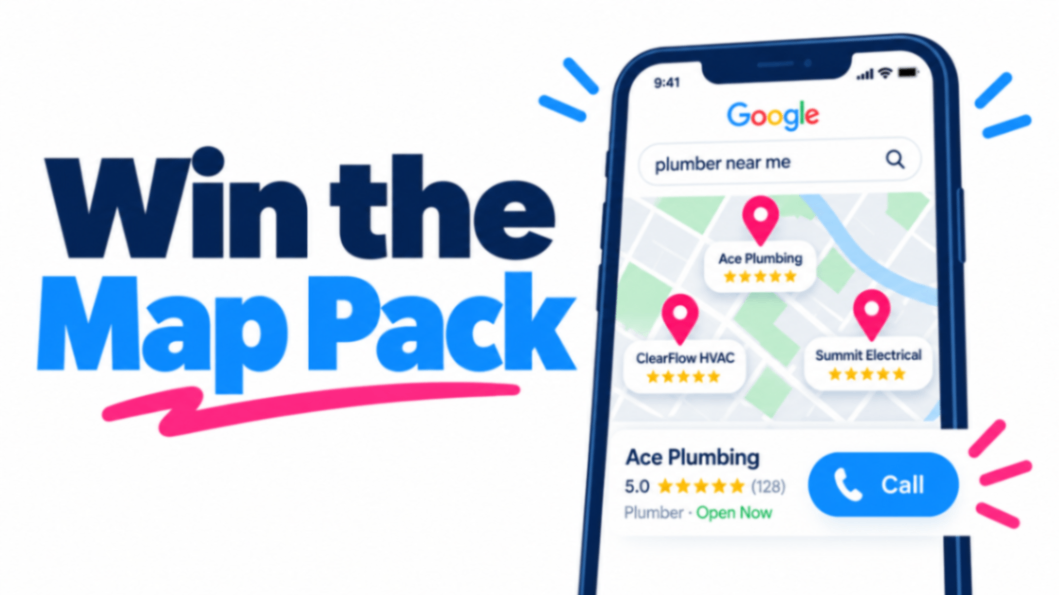
- 19. Google Business Profile integration. Keep your profile accurate and connected to your site — it's often the first thing a local searcher sees.
Conversions: Make It Easy to Say Yes
Traffic without conversions is just expensive window shopping. Remove friction and give visitors an obvious next step at every turn.
- 20. A clear call to action above the fold. Visitors should know exactly what to do — "Get a Free Quote," "Book Now," "Call Today" — without scrolling.
- 21. A simple contact form. Ask only for what you need. Every extra field lowers completion rates.
- 22. Click-to-call buttons. On mobile, one tap should dial your number. This is critical for home service and emergency businesses.
- 23. A quote or booking request. Let people request an estimate or appointment directly from the page.
- 24. Live chat or an AI assistant. Answer questions instantly, even after hours, so you don't lose leads to slow responses.
- 25. Multiple contact options. Some people call, some text, some email, some fill out forms. Offer choices so nobody hits a dead end.
Content: Answer Questions Before They're Asked
Great content earns trust, ranks in search, and shortens the sales conversation. Not every business needs all of these, but strong sites cover the ones that fit.
- Services pages. A dedicated page for each core service, written for real customers rather than search engines.
- Pricing (when appropriate). Even ranges or "starting at" figures set expectations and filter out mismatched leads.
- A living FAQ. Reuse the questions you answer over the phone every day.
- A blog. Helpful articles demonstrate expertise and keep your site fresh for search engines.
- Case studies. Show how you solved a specific problem for a specific customer.
- A portfolio. Visual industries live and die by their galleries — keep yours current.
Technical: The Foundation Under the Hood
These items rarely get noticed when they're done right, but their absence quietly costs you traffic and insight.
- Analytics. Install a tool like Google Analytics so you know where visitors come from and what they do.
- Search Console. Google Search Console tells you how you rank, what you rank for, and which errors need fixing.
- An XML sitemap. This helps search engines discover and index every page.
- A robots.txt file. Guide crawlers toward the pages that matter and away from the ones that don't.
- Accessibility basics. Alt text, readable contrast, keyboard navigation, and clear structure make your site usable for everyone — and reduce legal risk.
Key Takeaways
Here's the honest truth: your business doesn't need a flashy, award-winning website. It needs one that loads fast, builds trust, gets found, and converts visitors into customers.
Work through this small business website checklist section by section. Start with performance and trust — they deliver the fastest returns — then tighten up SEO, conversions, content, and the technical foundation. If you check most of these boxes, you'll already be ahead of the majority of local competitors who treat their website as a digital business card instead of the hardest-working salesperson they own.
Print it, share it with whoever manages your site, and revisit it once a quarter. A website is never truly "finished" — but with these 25 essentials in place, it will finally be doing its job.